SSL/TLS Configuration
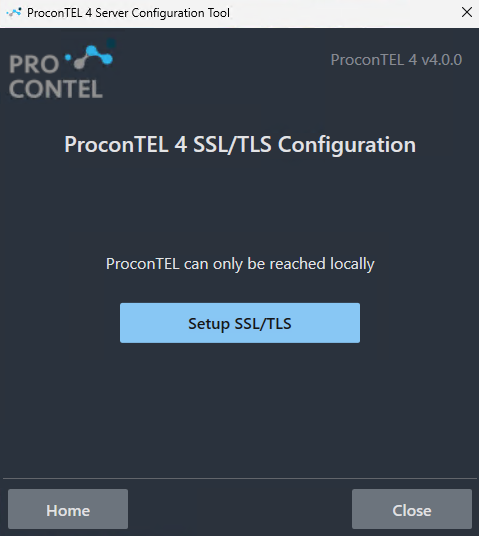
In the Server Configuration Tool, the user has the option to configure SSL/TLS.
- Click on the Setup SSL/TLS button.
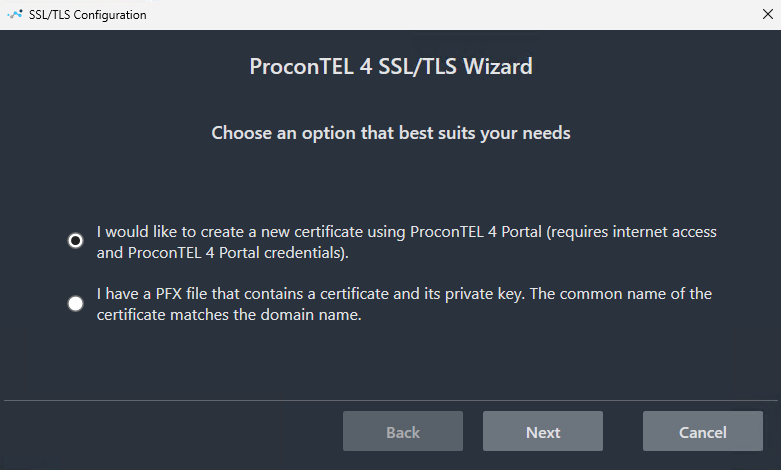
- Choose whether you want to create a new certificate using ProconTEL 4 Portal or whether you already have a PFX file that contains the certificate and its private key.
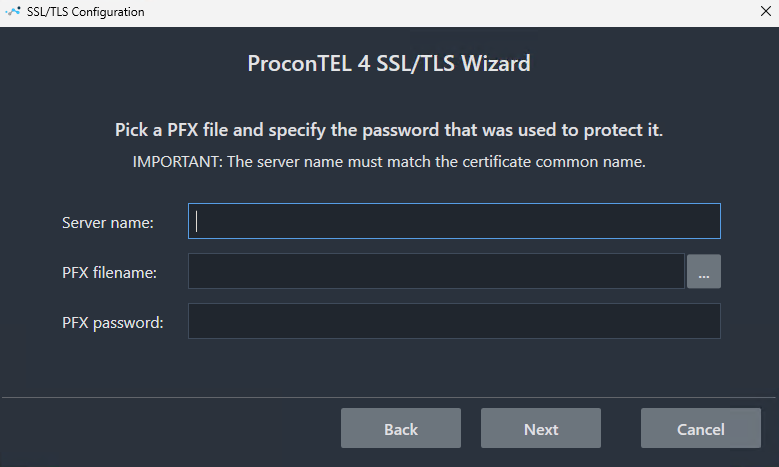
- If the option with your own PFX file is selected, it is necessary to enter the Server Name, add your PFX file, and the file password, and click Next.
caution
Verify that the server name you have entered is in the '{desktopName}/{suffix}' convention.
- Specify the port on which ProconTEL will be accessible and click Next.
caution
Verify that your selected port is open for communication.
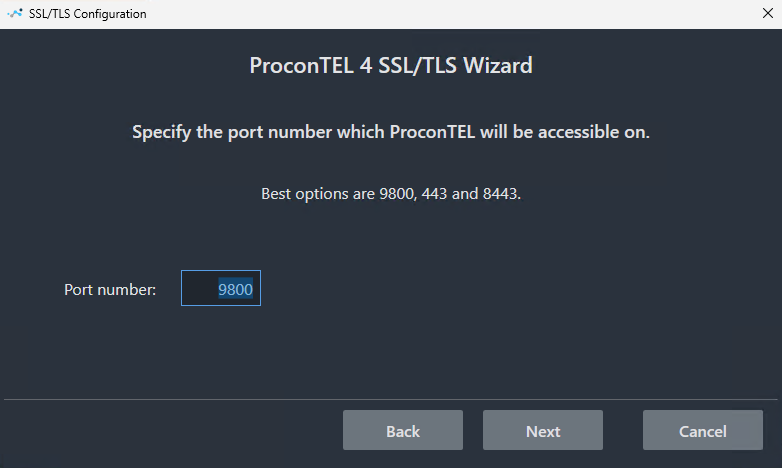
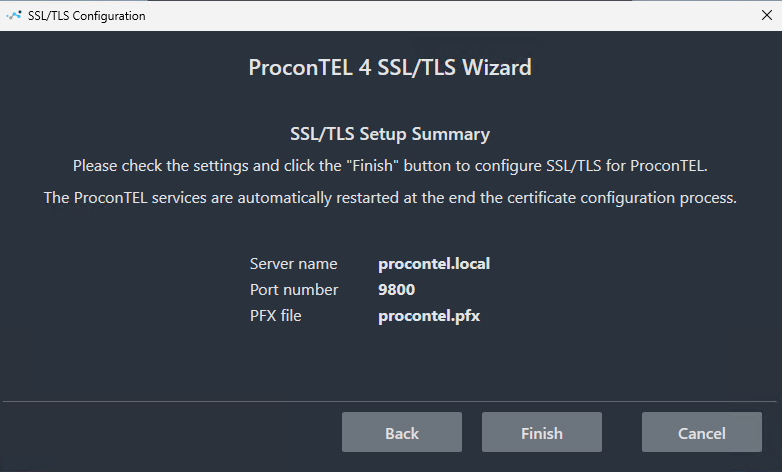
- Check the settings and click the "Finish button" to configure SSL/TLS for ProconTEL.
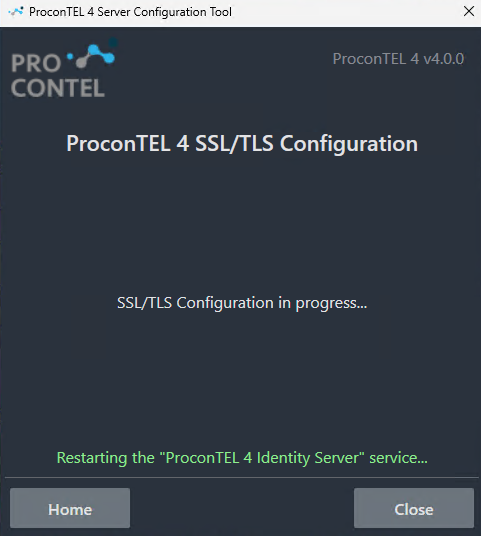
- The tool will restart all services.
- After successfully configuring SSL/TLS, the view should look like this:
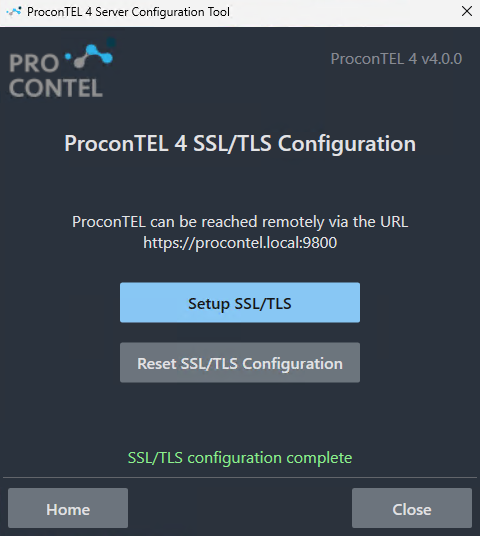
- If you want, you can reset your SSL/TLS settings at any time by clicking the Reset SSL/TLS Configuration button.
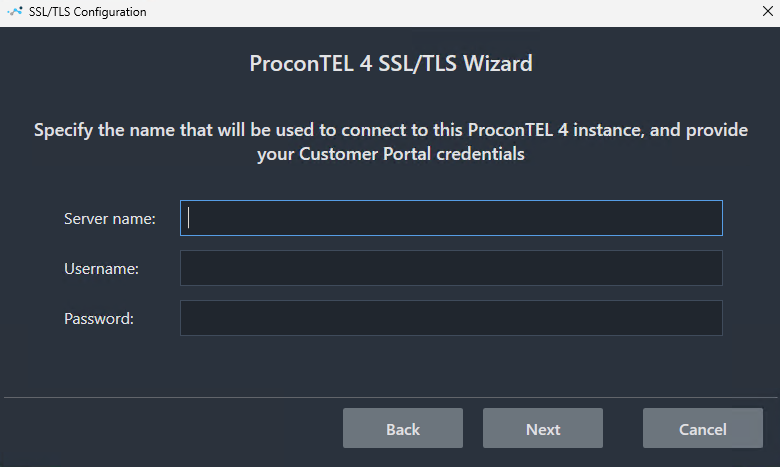
- If you selected the option for the creation of a new certificate using ProconTEL 4 Portal, it looks almost like the same process as above, only you need to enter your username and password for the portal.