Visual Studio Templates for ProconTEL apps
ProconTEL Visual Studio Templates allow for fast development of applications compatible with ProconTEL 4 from the get-go.
Installation through the ProconTEL installer
- From the ProconTEL installer (starting with version
4.0.11): simply check the checkbox to install VS Templates.
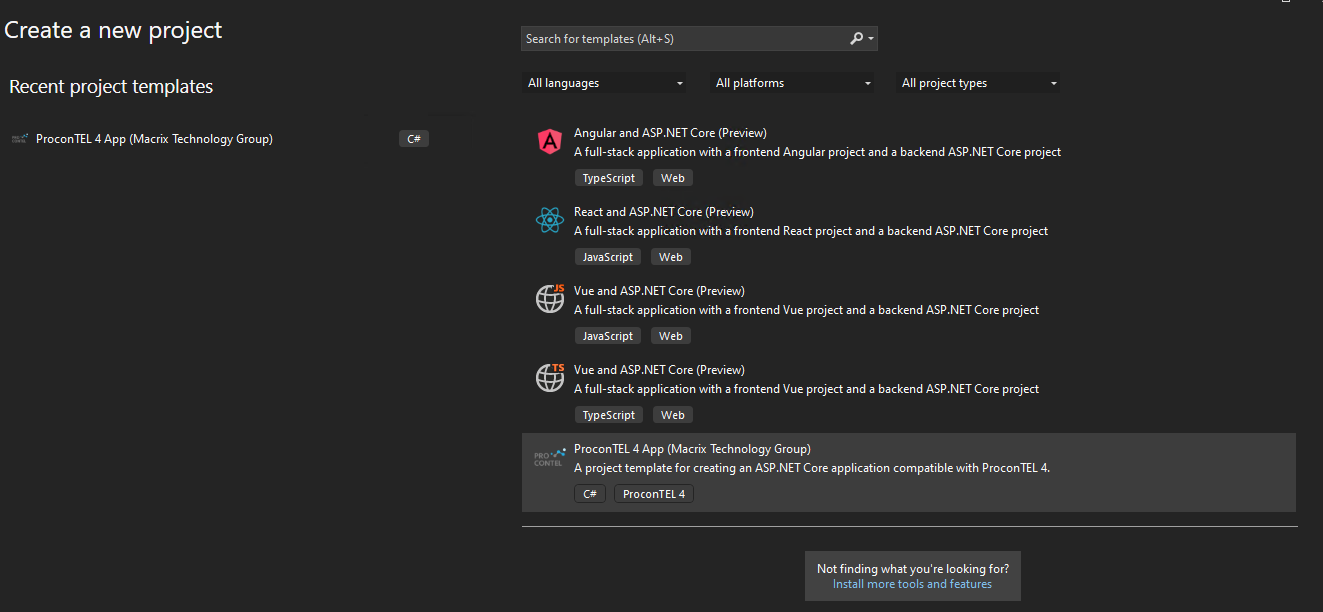
- The template will appear as an option in Visual Studio during project creation.
Installation through CLI
- Add Macrix public repository as a source (How to do it is described here).
- Execute the following command:
dotnet new install ProconTEL4.Templates