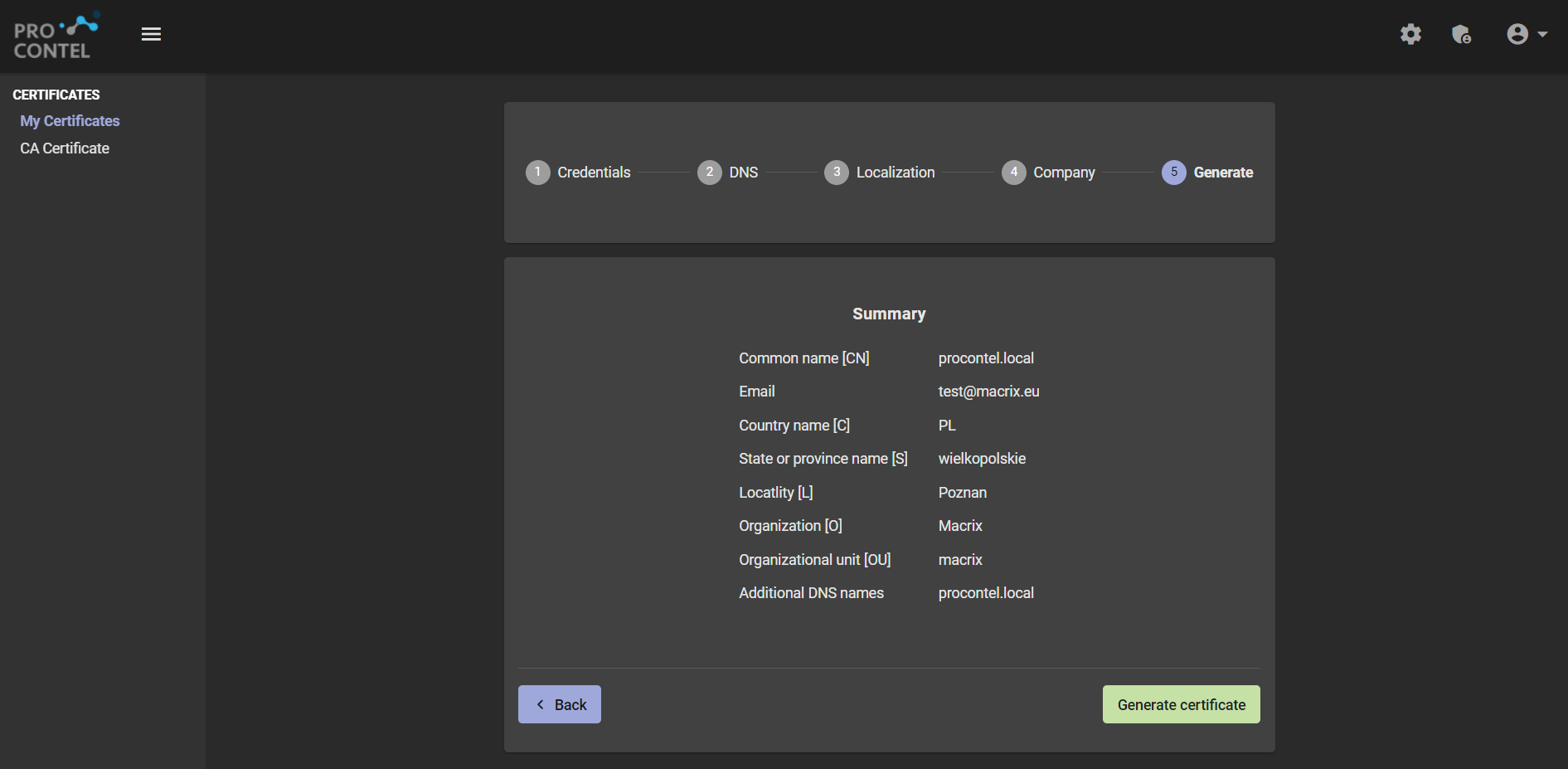
Create a new certificate
To generate a new certificate, go to https://portal.procontel.eu/customer-certificate/generate.
caution
In order to generate a certificate, you must provide the following data during generation:
• Common Name• Password
• One DNS name (use the default or your)
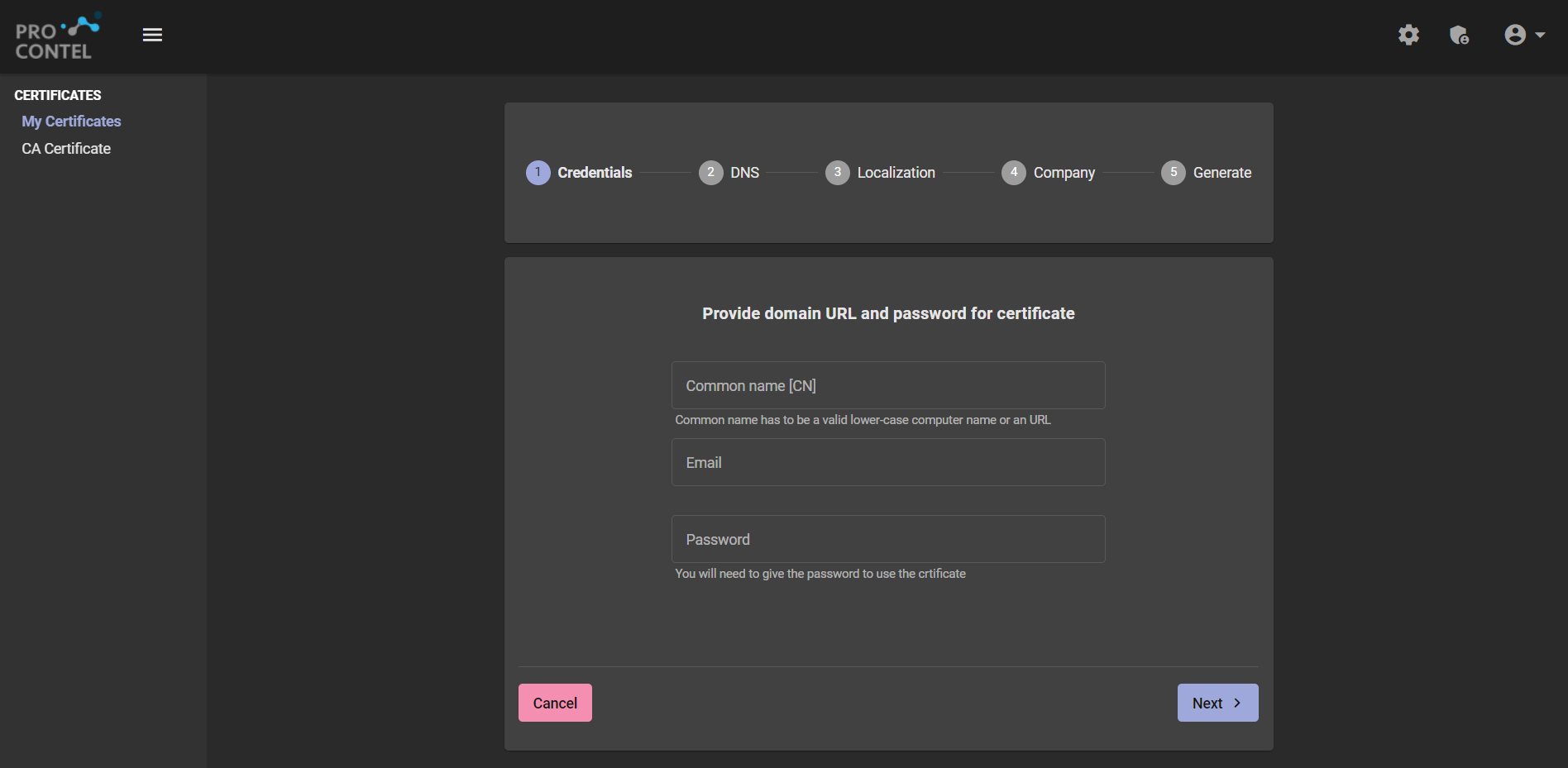
- Complete the data in the first step, all fields except email are required.
- In this step, you can add additional DNS names and remove the default name.
\img\certificate\dns.png)
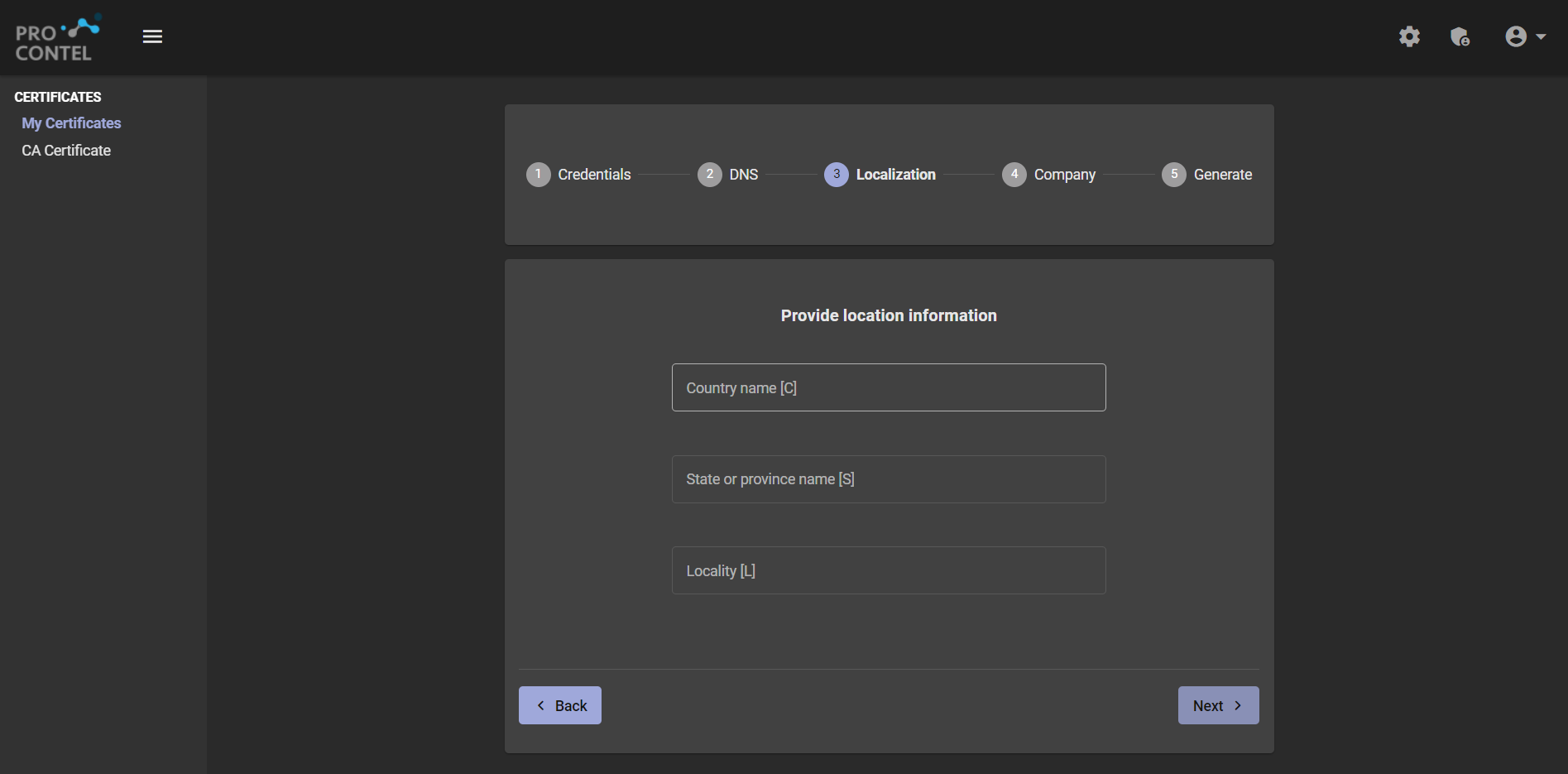
- In this step, you can fill in additional information about the localization. (Not required)
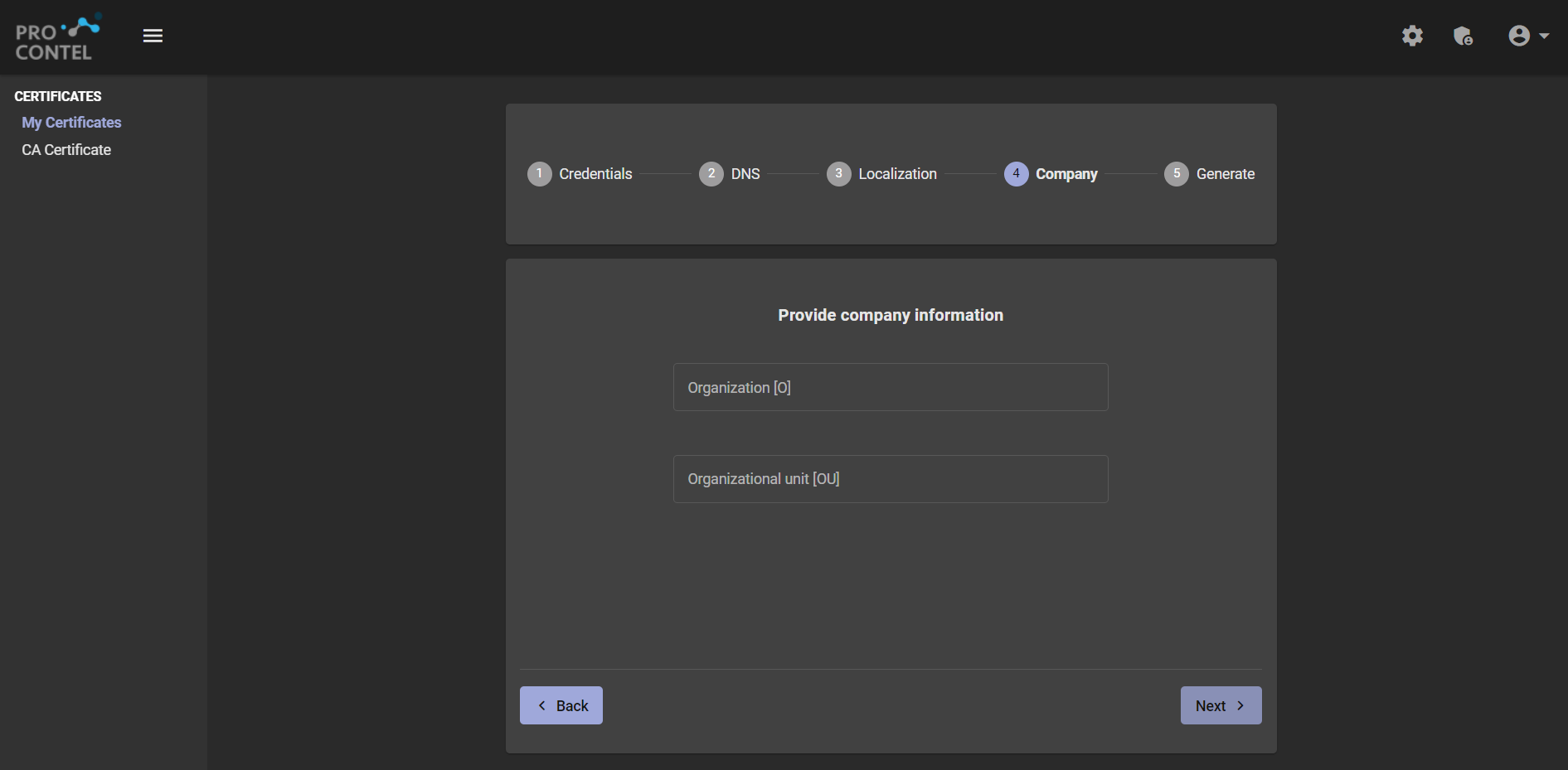
- In this step, you can fill in additional information about the company. (Not required)
- In this step, you can see the entire summary of the certificate being created. Once you have seen the summary, press the Generate certificate button.