Certificate Authority
A Certificate Authority (CA) is a trusted third-party organization that issues digital certificates, which are used to verify the identity of websites, software applications, and other digital entities.
ProconTEL CA certificate
The ProconTEL CA certificate is not trusted by default by web browsers. In order to establish a secure connection on Windows, you need to install it in the Trusted Root Certification Authorities store.
Installation
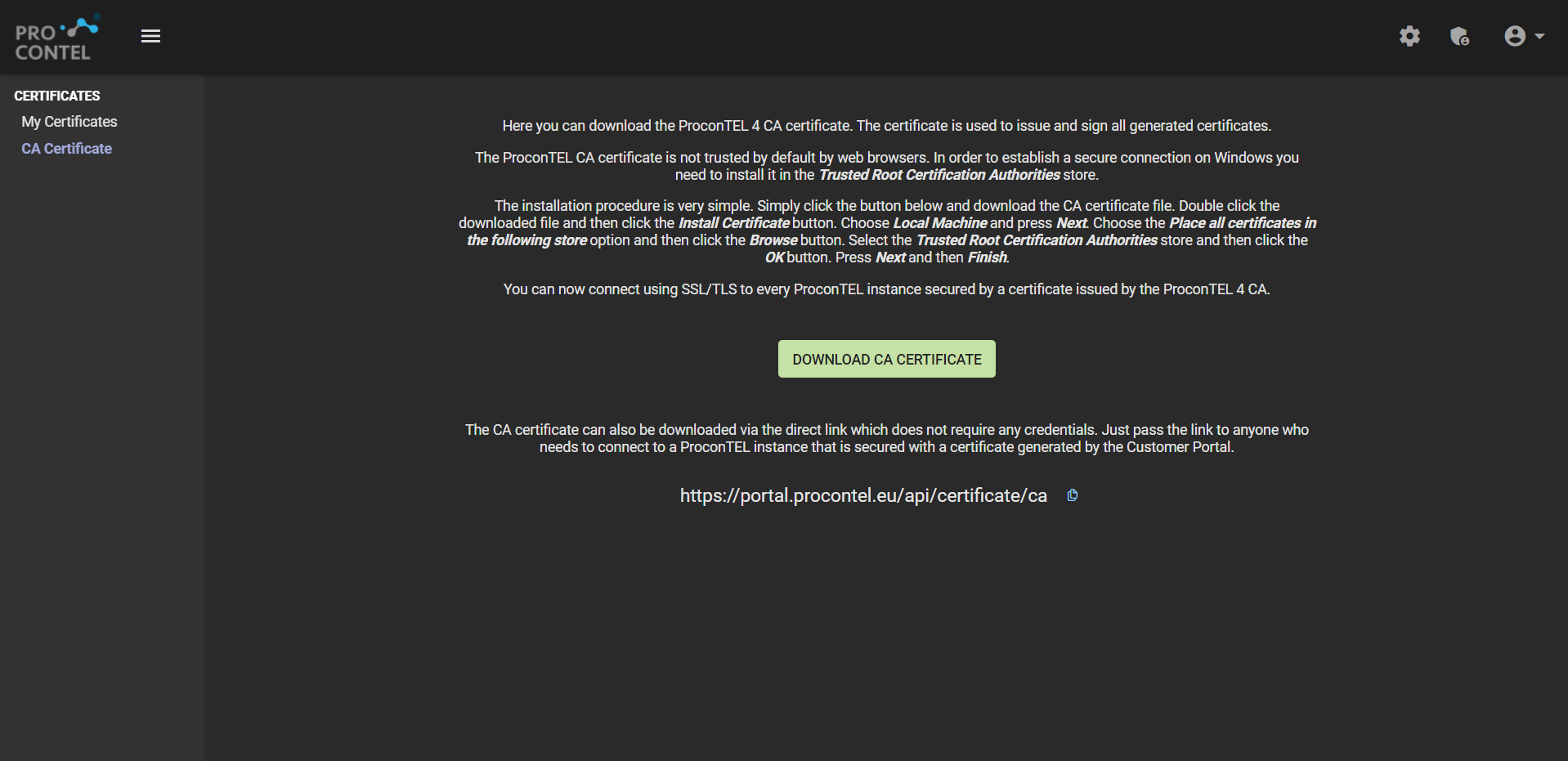
Instructions for installing a certificate:
- Open the https://portal.procontel.eu/ca-certificate
- Click the button below to download the CA certificate file.
- Double-click the downloaded file.
- Click the Install Certificate button.
- Choose Local Machine and press Next.
- Select the Place all certificates in the following store option and click the Browse button.
- Choose the Trusted Root Certification Authorities store and click the OK button.
- Press Next and then Finish.
After completing these steps, you will be able to connect using SSL/TLS to any ProconTEL instance that is secured by a certificate issued by the ProconTEL 4 CA.
The CA certificate is also available for download through a direct link that does not necessitate any authentication. This link may be shared with anyone who requires access to a ProconTEL instance secured with a certificate created by the Customer Portal.