Install
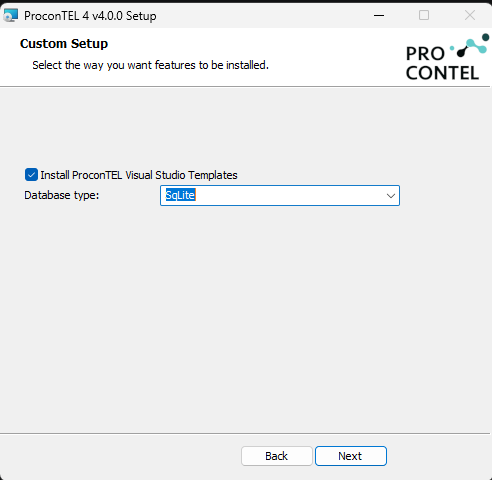
ProconTEL can also be installed on Windows machines. There is Windows Installer (*.msi).
To get the installer please contact Macrix
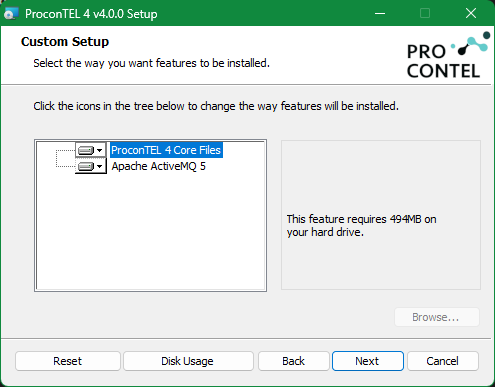
During installation, the application allows you to choose one of five supported database providers. PostgreSQL is the default database provider. It requires a single connection string to establish the database connection.
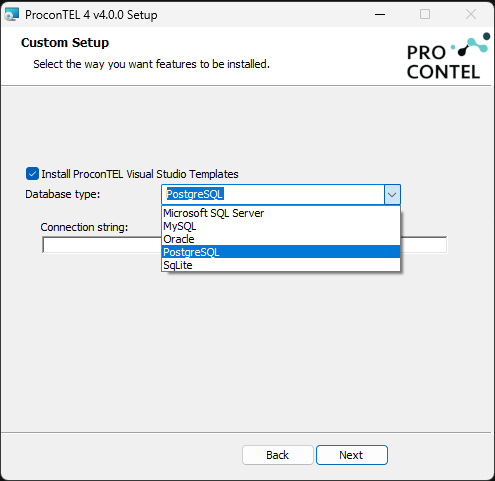
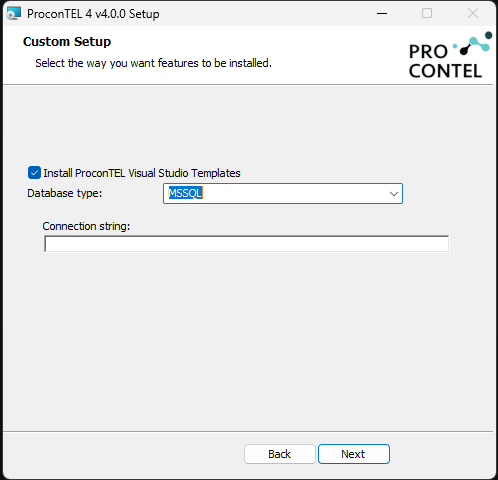
MSSQL is configured in the same way as PostgreSQL and also requires a single connection string.
Oracle requires four separate database users, one for each application service. Each service must be configured with its own dedicated database user and credentials.
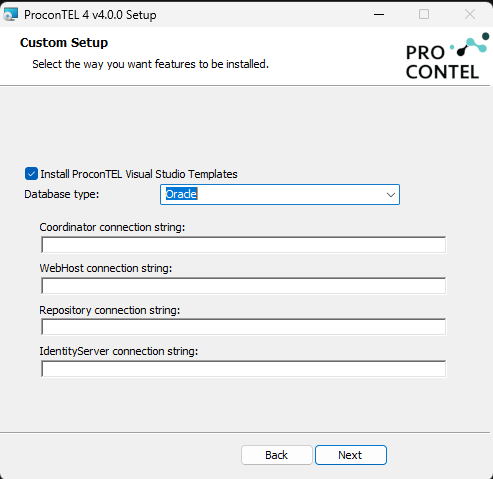
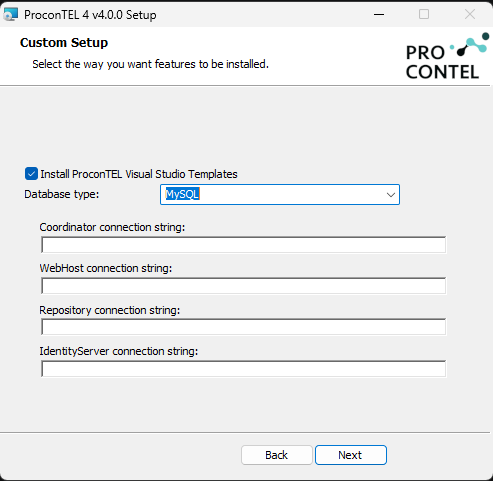
MySQL requires four separate databases, with each application service using its own dedicated database.
SQLite is also supported; however, its use is not recommended for production environments. It is provided primarily to simplify the development and testing process. When SQLite is selected, the database files are automatically created in the following location: %ProgramData%\Macrix